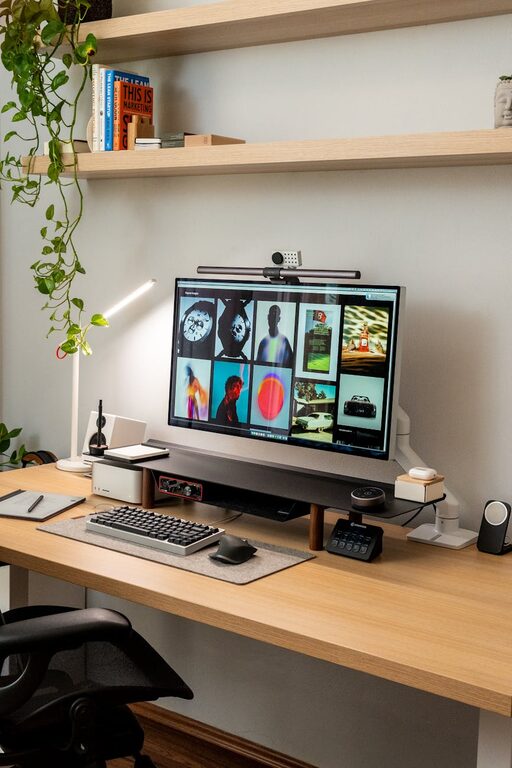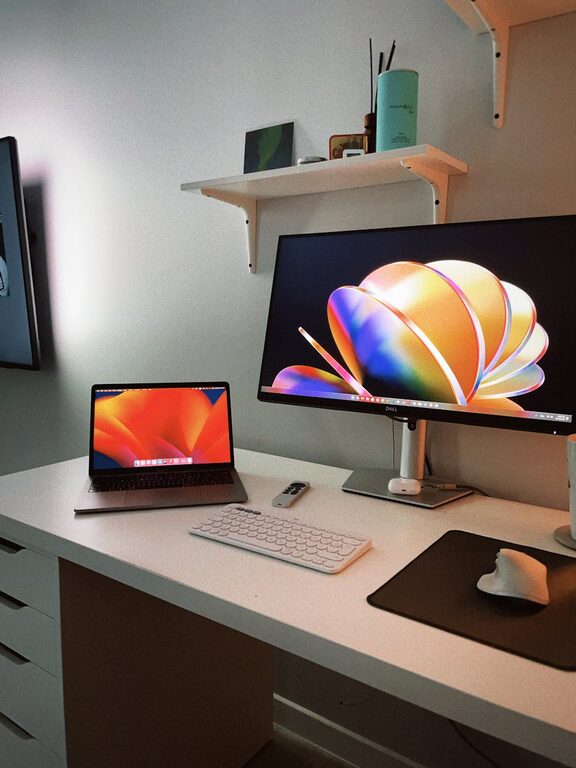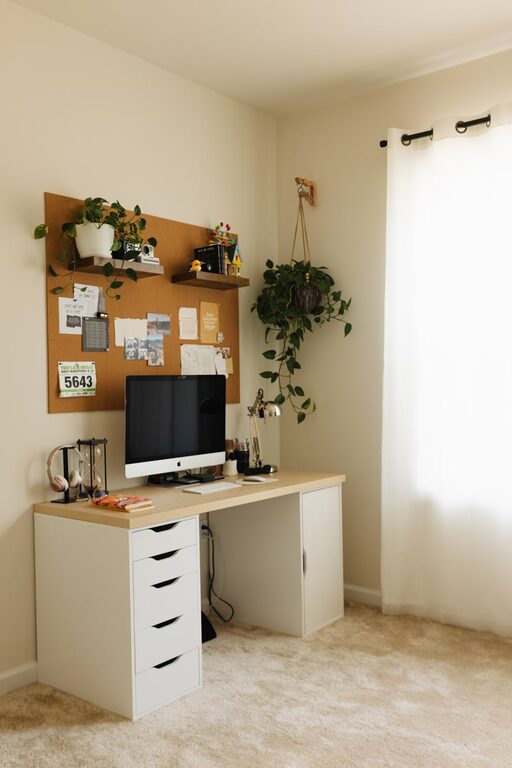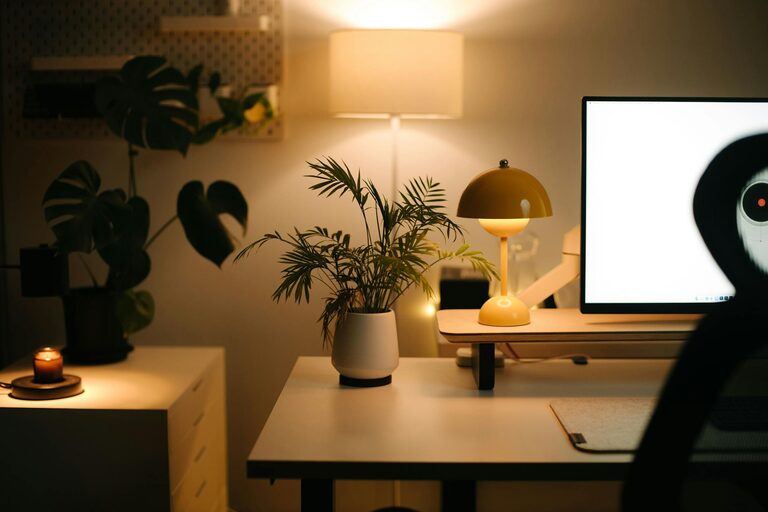
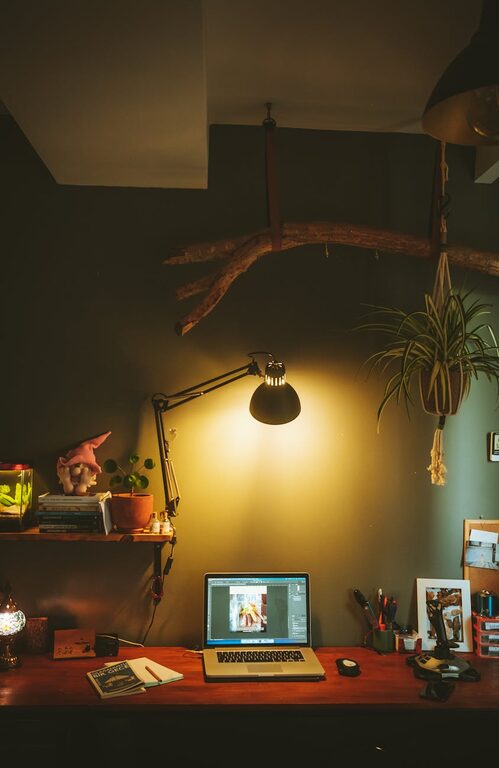
Creating a home workspace that feels cozy yet boosts your productivity can be a game changer for your daily routine. Whether you work from home full-time or occasionally, having a dedicated area that supports your focus and comfort can improve your work experience significantly. Here are some helpful tips to design a home workspace that meets both your comfort and productivity needs.
Choose the Right Location
The foundation of a great workspace is its location. Ideally, pick a spot that is:
– Quiet and Free From Distractions: Choose a room or corner away from heavy foot traffic or noisy areas. This helps keep your concentration sharp.
– Well-Lit: Natural light is best for reducing eye strain and boosting mood. If natural light is limited, supplement with quality task lighting.
– Accessible: Make sure your workspace is in a place that’s easy to reach and isn’t isolated from your home’s main areas if you prefer some human interaction.
Invest in Comfortable Furniture
Your chair and desk play a crucial role in your comfort and productivity.
– Ergonomic Chair: Look for a chair with good lumbar support, adjustable height, and comfortable cushioning.
– Proper Desk Height: Your desk should allow your arms to rest comfortably with elbows at about a 90-degree angle.
– Desk Size: Ensure your desk has enough surface area for your computer, notes, and other essentials without feeling cramped.
A comfortable setup reduces the risk of physical strain and keeps you focused longer.
Optimize Lighting
Lighting can affect your energy and focus throughout the day.
– Maximize Natural Light: Position your desk near a window if possible, but avoid glare on your screen.
– Layer Lighting: Use a mix of ambient, task, and accent lighting. A desk lamp with adjustable brightness can help during late hours.
– Use Soft White Bulbs: These bulbs create a warm, cozy ambiance, making your workspace inviting.
Organize with Purpose
Decluttering is essential to productivity.
– Use Storage Solutions: Shelves, drawer organizers, and bins keep supplies tidy and easy to find.
– Keep Essentials Close: Store frequently used items within arm’s reach to minimize distractions.
– Regularly Purge: Every few weeks, remove unnecessary papers or items from your workspace to maintain order.
An organized workspace makes it easier to stay on task and reduces stress.
Personalize Your Space
Adding personal touches can make your workspace feel welcoming without being distracting.
– Add Plants: Indoor plants improve air quality and add a splash of green that can reduce stress.
– Incorporate Artwork or Photos: Choose inspirational images or calming art that make you feel good.
– Use Cozy Textiles: A soft rug or cushion can make your workspace feel warmer and more inviting.
Just be mindful not to overcrowd your space.
Set Clear Boundaries
When working from home, it’s important to separate work life from personal life.
– Establish Office Hours: Define when you start and end your workday to maintain balance.
– Use Your Workspace Only for Work: Avoid using your workspace as a relaxing or entertainment area.
– Communicate Boundaries: Let family or housemates know your work schedule and need for focused time.
Clear boundaries help your mind switch into “work mode” and improve productivity.
Incorporate Technology Thoughtfully
Technology is a key part of modern work, but it shouldn’t overwhelm.
– Choose Reliable Equipment: Invest in a good computer, headphones, and internet connection.
– Cable Management: Use clips and ties to keep cords organized and prevent clutter.
– Use Productivity Apps: Tools for time-tracking, note-taking, or task management can keep you on track.
Smart tech use can simplify tasks and limit distractions.
Maintain Good Air Quality and Temperature
Your physical comfort impacts your ability to concentrate.
– Ventilation: Open windows when possible or use air purifiers to keep air fresh.
– Temperature Control: Ensure your workspace isn’t too hot or cold. A fan or space heater can help regulate temperature.
– Hydrate and Snack: Keep a water bottle and healthy snacks nearby to maintain energy levels.
A comfortable environment supports longer, more focused work sessions.
Take Breaks and Move
Even with a perfect workspace, it’s important to rest your eyes and body.
– Follow the 20-20-20 Rule: Every 20 minutes, look at something 20 feet away for 20 seconds to reduce eye strain.
– Stretch Regularly: Stand up and stretch or take a short walk every hour.
– Change Your Posture: Adjust your seating position or use a standing desk option to vary muscle use.
Regular breaks prevent fatigue and keep productivity high.
—
Final Thoughts
Designing a home workspace that is both cozy and productive doesn’t have to be complicated. By choosing the right location, investing in comfort, crafting an organized layout, and setting boundaries, you create an environment that supports your best work. Personal touches and attention to lighting, air quality, and regular breaks will keep you motivated and comfortable every day. With these tips, your home office can become your favorite place to work.
About the Author